NEWS
Apple Freezes the iOS 27 Public Beta Before the Event
Apple’s sixth iOS 27 public beta adds no new features, freezing the software for the September 9 event while Siri AI remains a beta.

Apple shipped the sixth iOS 27 public beta on August 31, hours after developer beta 8, and testers found no notable new features. The empty drop is the freeze before the September 9 iPhone event, when a release candidate is expected.
Anyone joining the Apple Beta Software Program this late is not previewing unfinished ideas. They are crash-testing software Apple already considers done enough to put on new phones.
Monday’s Builds Added No New Features
The public builds of iOS 27, iPadOS 27, tvOS 27, and macOS Golden Gate landed the same Monday as the eighth developer round. Apple’s software releases board lists iOS 27.0 beta 8 (24A5430a) for iPhone and iPad, replacing 24A5424a from a week earlier. Mac testers got 26A5425a. Apple TV, Vision Pro, and Apple Watch each moved one build as well.
That one-week cadence has held since early August, after a slower stretch in July. Feature hunting in these seeds has gone quiet. Release notes now read like a bug ledger: AirPlay PIN failures, Siri entity lookups, Watch conversation sync. When the notes stop describing new buttons, the train has left the station.
THE IOS 27 BETA CALENDAR
- June 8, 2026: Apple seeds developer beta 1 the day iOS 27 is shown at WWDC.
- July 13, 2026: The first public betas open on iPhone, iPad, Mac, and the rest of the 27 lineup.
- August 24, 2026: Developer beta 7 and the fifth public betas go out together.
- August 31, 2026: Developer beta 8 and the sixth public betas land with no notable new features.
The next numbered seed most people will care about is the release candidate, and that usually follows the hardware keynote rather than leading it. Installing now buys you whatever bugs are still open, plus a second download when the candidate arrives.
Siri AI Still Ships as a Beta
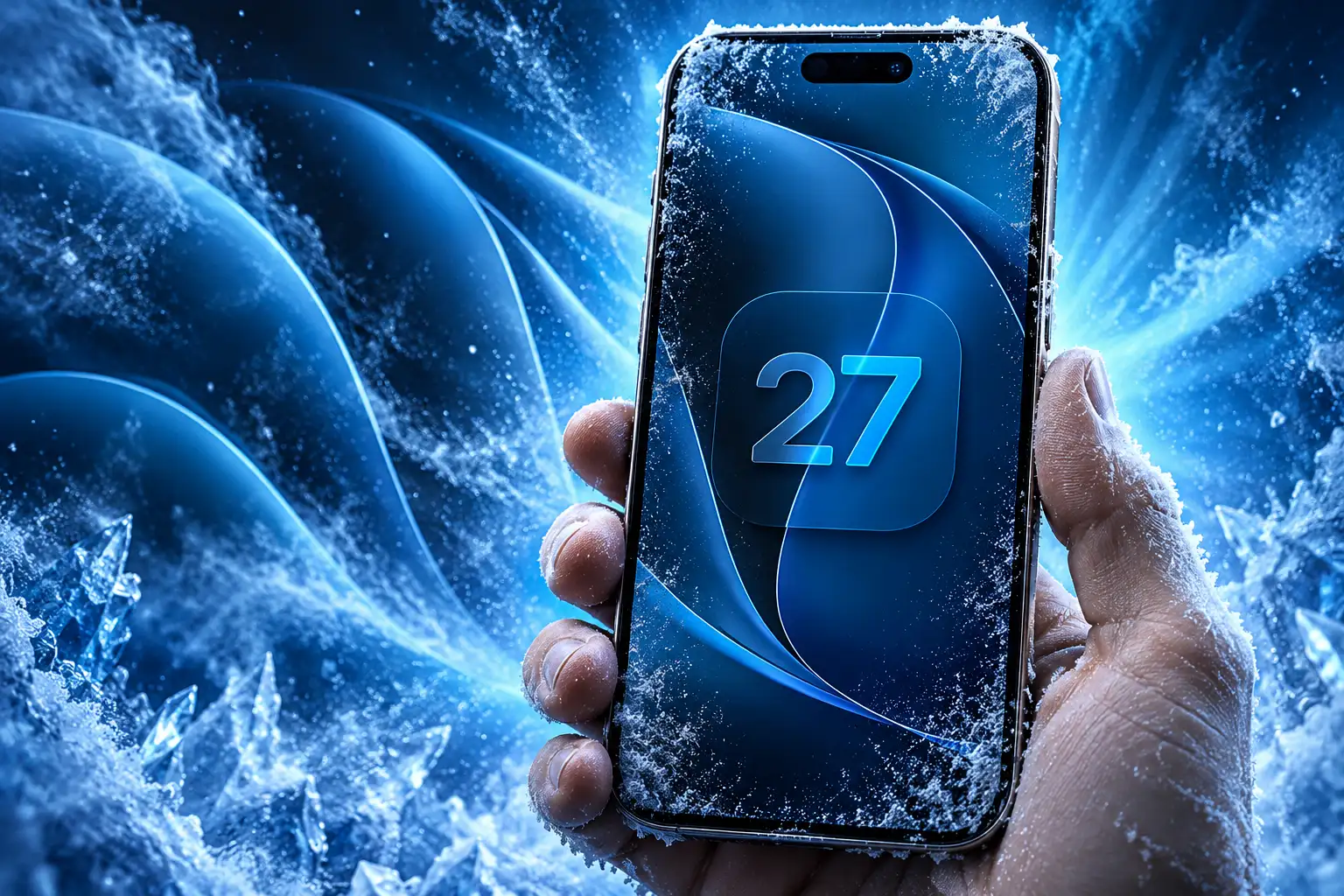
The freeze does not mean iOS 27 is a light update. It means the big bet, a rebuilt Siri, is already in the build and will not grow another head before the iPhones go on sale. Apple still will not call that assistant finished.
On the iOS 27 preview page, the company splits the calendar in two lines: iOS 27 coming this fall, and Siri AI coming in English later this year. The Siri AI press release is blunter. New Siri features are available as a beta later this year for users with a supported device set to English, with more languages to follow.
We’re excited to introduce Siri AI, a dramatically more capable and conversational assistant designed to help users find information and get things done throughout the day.
Craig Federighi, senior vice president of Software Engineering, Apple
What testers have been using since June is that assistant with a dedicated Siri app, iCloud conversation sync, on-screen awareness, and a Camera mode that can look at a receipt or a plate of food. Apple Intelligence around it is broader: Spatial Reframing and Extend in Photos, Safari tab topics and Notify Me, Passwords that can update weak logins, and Shortcuts built from a plain-language description. Those pieces are slated to ship with the fall OS. Siri AI is slated to ship beside it, still labeled beta.
English is the on-ramp. Apple Intelligence itself lists 16 languages, including Danish, Dutch, French, German, Italian, Norwegian, Portuguese, Spanish, Swedish, Turkish, Vietnamese, simplified and traditional Chinese, Japanese, and Korean. Siri AI starts narrower. In the EU it will not be on iOS, iPadOS, or watchOS at first, though Mac and Apple Vision Pro users there can use it in a supported language. China is also outside the first wave while Apple works through local rules.
Developer builds have also shown a waitlist path under Settings, Siri. Apple has not said that queue will greet every customer on launch day, and it should not be treated as a promise. The beta label is the part the company has put in writing.
Which iPhones Get Siri AI, and Which Get Speed
Every iPhone that ran iOS 26 can run iOS 27, back to iPhone 11 and the second-generation iPhone SE. That is the easy line. The AI line is shorter, and the top on-device model is shorter still.
Apple Intelligence and Siri AI need an iPhone 16 or later, or an iPhone 15 Pro or iPhone 15 Pro Max. The company’s support page for models that support Apple Intelligence matches that cut. The most advanced on-device model, the one that unlocks more expressive Siri voices and sharper dictation, needs 12GB of memory, which today means iPhone 17 Pro, iPhone 17 Pro Max, and iPhone Air. Base iPhone 17 and iPhone 17e stay on 8GB and fall back to Private Cloud Compute for the heavy jobs.
THE THREE IPHONE TIERS IN IOS 27
| iPhone group | Runs iOS 27 | Siri AI and Apple Intelligence | Top on-device model |
|---|---|---|---|
| iPhone 17 Pro, 17 Pro Max, iPhone Air | Yes | Yes | Yes |
| iPhone 16 lineup, iPhone 17, iPhone 17e, iPhone 15 Pro and 15 Pro Max | Yes | Yes | No |
| iPhone 11 through iPhone 15 (non-Pro), SE (2nd generation and later) | Yes | No | No |
Older phones are not a leftover. Apple spent this cycle on a new CPU scheduler and on the dull work of making everyday tasks feel quicker, and it used an iPhone 11 Pro Max as the yardstick. The company says apps launch up to 30% faster against iOS 26.4.2, new captures show up in Photos up to 70% faster, and AirDrop transfers finish up to 80% faster, with Files transfers up to 50% quicker. Independent timing has shown smaller AirDrop gains than that 80% headline, so treat the figure as Apple’s best-case claim, not a guarantee on every file.
iPad mini with A17 Pro and iPads with M1 or later get Apple Intelligence. Macs with M1 or later do too, along with MacBook Neo with A18 Pro. Apple Watch Series 9 or later, Ultra 2 or later, and SE 3 pick up Siri AI when a compatible iPhone is nearby.
How to Install the iOS 27 Public Beta
You do not need a paid developer account. Sign in on Apple’s beta site with the Apple Account you use on the device, accept the terms, then pull the seed over the air. Back up to a computer or iCloud first, because a beta can still brick a morning.
HOW TO GET THE PUBLIC BETA
- Enroll the account: Open the Apple Beta Software Program site, sign in, and accept the program terms if you have not already.
- On iPhone or iPad: Go to Settings, General, Software Update, Beta Updates, and choose iOS 27 Public Beta or iPadOS 27 Public Beta, then install when the build appears.
- On Mac: Open System Settings, General, Software Update, tap the info button beside Beta Updates, pick macOS 27 Golden Gate Public Beta, and start the upgrade.
- On Apple TV: Use Settings on the Apple TV itself to take the tvOS 27 public beta after the same account is enrolled.
Apple still tells people to put betas on a spare device. That advice is sharper this week than it was in July, because a release candidate is the next likely seed and the public download typically follows a few days after the keynote. A daily driver that is already stable on iOS 26.6.1 has little to gain from six extra days of beta 8.
Some Testers Still Hit Stutters on Beta 8
The freeze is about features, not polish. Beta 8 still shows the split that has defined the back half of this cycle. Some devices feel newly fluid, with Home Screen motion and control pulling that no longer fall off the screen. Others still hitch on Clear icons, stall in Apple Music, or spend a long night indexing for Siri.
Visual bugs that should have died in July are still turning up in screen recordings, even as people describe the overall animation as the best it has felt all year. That mix is typical of a late seed, and it is the reason a sixth public beta with nothing new can still be a bad install on a phone you need tomorrow.
Siri quality is the other open file. Personal context and on-screen answers are in testers’ hands, and some long sessions now look like the assistant Apple previewed two summers ago. Short, factual asks can still go sideways, and a few people on beta 8 are already writing the assistant off. The software freeze does not settle that argument. It just means the version on sale with new iPhones is this one, plus whatever silent fixes fit in a candidate.
September 9 Locks the Software Date
Apple set the hardware show for Wednesday, September 9, at 10 a.m. Pacific at Apple Park, under the line Surprise and shine. Greg Joswiak, Apple’s senior vice president of Worldwide Marketing, posted the date on August 26.
Surprise and shine! It’s almost time for the #AppleEvent, on Wednesday, September 9! pic.twitter.com/SLkIcNmLwP
— Greg Joswiak (@gregjoz) August 26, 2026
That event is seven days from Wednesday, September 2. Apple usually confirms iOS, iPadOS, and macOS download days on that stage, then seeds a release candidate to testers the same afternoon or the next morning. The public files tend to appear the following Monday, which this year would be September 14 if the old pattern holds. Apple has not said that date out loud.
The software in those files is the software in Monday’s beta. New iPhones announced next week will boot into iOS 27 with Siri AI still on a beta clock, English first, and a hardware split that leaves most older iPhones with the speed work and without the new assistant. The empty public beta is how you know that package is locked.
Golden Gate Follows the Same Freeze
Mac testers are on the same calendar. macOS 27 Golden Gate public beta 6 matches the eighth developer seed, with Siri sitting in Spotlight behind Command-Space and in a standalone app that syncs chats. Liquid Glass picked up a transparency slider earlier in the summer after last year’s design drew readability complaints, and some people on beta 8 say the glass went a touch more see-through again. Visual Intelligence on Mac uses a keyboard shortcut to send whatever is on the display to Siri.
tvOS 27 is the thin one in this round, a stability pass with a rebuilt Podcasts app rather than a Siri showcase. watchOS 27 and visionOS 27 are on developer beta 8 as well, with Watch notes that still mention Siri AI sync failures and a listening UI that can stick around after the assistant has stopped listening. Those are candidate-week bugs, not new-feature bugs.
The sixth public beta is the last numbered drop most people will see. After September 9, the next build is the one Apple wants on the phones it puts on stage.


Airborne DNA Identifies Burglars and People Never There

The Irkutsk Lab Death Follows an Old Plague Pattern

Data Centers Take the Trades That Housing Just Lost

The Late Pieces Steal Both WNBA Semifinal Openers

Kagi Ends Orion for Linux and Hands Off the Code

Trend Micro’s AI Boom Cuts Its 2026 Operating Profit

US-China AI Safety Talks Rest on a No-New-Law Pact

Apple Freezes the iOS 27 Public Beta Before the Event

An Oral DHB Prodrug Clears Mouse Tumors With PD-1

GPT-6 Astra Ships as OpenAI’s Scientist Urges Caution
-
 NEWS2 months ago
Trend Micro’s AI Boom Cuts Its 2026 Operating Profit
-
 NEWS1 month ago
US-China AI Safety Talks Rest on a No-New-Law Pact
-
 NEWS2 months ago
An Oral DHB Prodrug Clears Mouse Tumors With PD-1
-
 NEWS1 month ago
GPT-6 Astra Ships as OpenAI’s Scientist Urges Caution
-

 NEWS2 months ago
Bell Wins the Southern 500 and Closes to 12 Points
-
 NEWS1 month ago
AI Notetaker Suits Leave Meeting Hosts Holding the Risk
-
 NEWS1 month ago
AppLovin’s 83% Margin Guide Comes With a Compute Bill
-

 NEWS2 months ago
Hafner Bets World Models Can Skip the Robot Data War